Appointment preparation service
Correct approved instructions matched to appointment type and version.
- For
- Operations managers at outpatient clinics
- Solves
- Patients arrive without required documents or preparation information.
- Delivers
- Approved preparation messages and readiness checklist
- Built in
- about 6 weeks of creation time, MVP in 7 days
- Investment
- $12,000 for the MVP, $49,000 for the full product
- Run it
- Inside your business, or as part of your offer to clients
What it does
For operations managers at outpatient clinics, turn clinician-approved instructions and appointment categories into approved preparation messages and readiness checklist.
- Map appointment types.
- Select approved instructions.
- Personalize logistics.
- Send authorized reminders.
- Collect acknowledgments.
- Escalate preparation questions.
What goes in, what comes out
- Clinician-approved instructions
- Appointment categories

AI drafts, people review. Operational coordination portal.
- Approved preparation messages
- Readiness checklist
How it works
The workflow
- InStart with
Clinician-approved instructions and appointment categories
- 1
Create a case from approved inputs
- 2
Identify required actions
- 3
Confirm owners and dates
- 4
Request missing information
- 5
Approve proposed communications or changes
- 6
Track completion
- 7
Retain a handover record
- OutFinish with
Approved preparation messages and readiness checklist
AI does the heavy lifting, people stay in charge
Extract candidate actions and relevant context, classify requests and draft communications. Use explicit rules for scheduling, state transitions and permissions. People confirm obligations and approve consequential actions before execution.
What your team sees
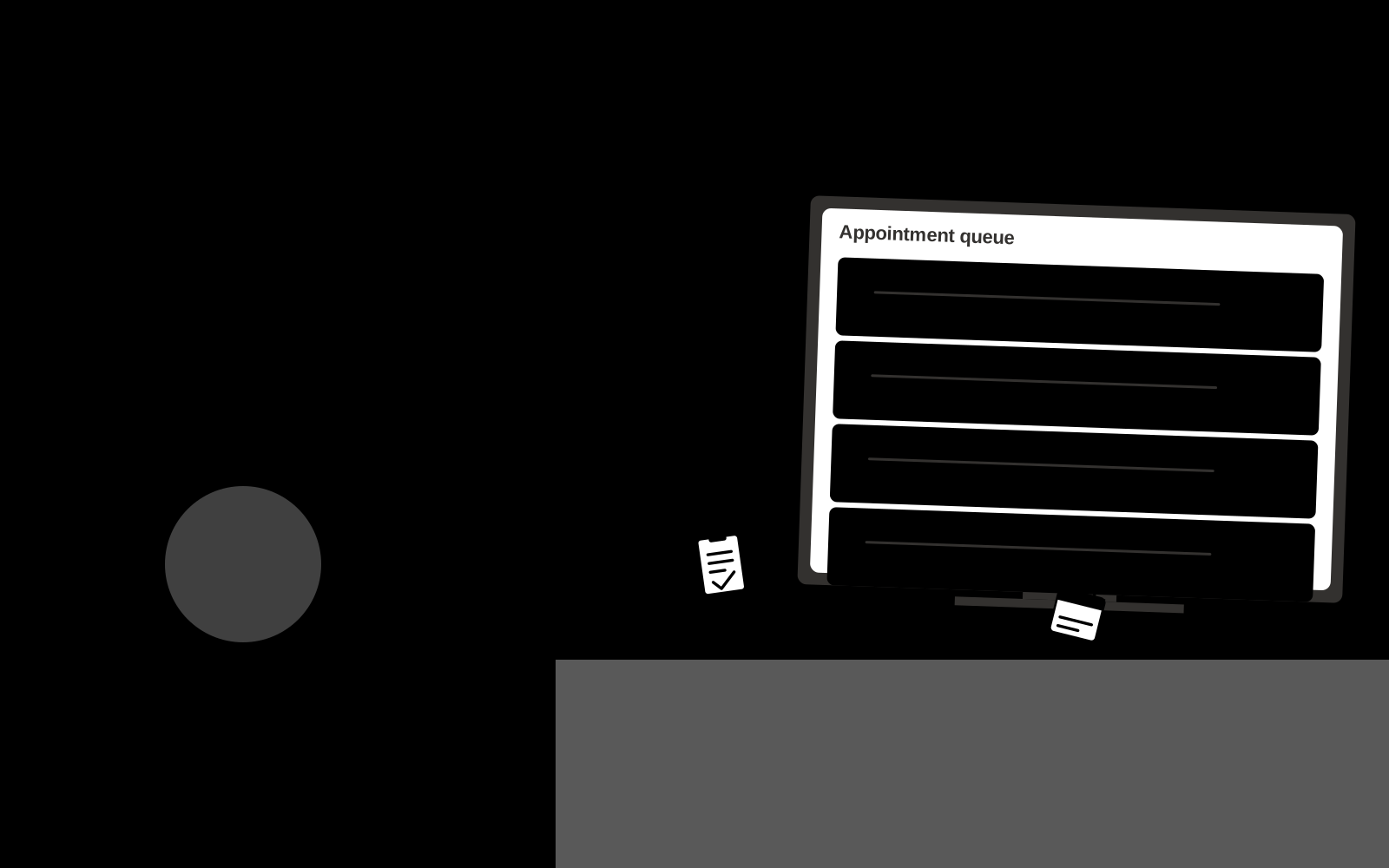
Key screens: Appointment queue, instruction preview, completion checklist. Use a queue or timeline as the opening view, with clear owners, dates and current states. Each case opens into its source context, proposed actions and discussion. Give external participants a limited form or status page. Make the next required action visible without opening every record. In this product, the first view is appointment queue, followed by instruction preview and completion checklist.
Accounts and administration
Role permissions, task ownership, deadlines, reminders, approval gates, exception handling, action history, duplicate prevention and reversible configuration.
Integrations and data access
Clinic-approved content and administrative exports. Clinical integrations require separate assessment. Calendars, email, task managers and relevant business records. Use draft actions and supervised handoffs first, then enable only specifically authorized writes. These are candidate integration categories, not verified supported connectors.
How we build it
We build with our own AI software development factory, so most implementations take days to a few weeks of creation time, not months. You see working software at every step, and exact timing depends on availability.
- 1
Scoping call
Day 1Thirty minutes on your process, your data and how you want to run it: for your own team, or for your clients. You get a fixed scope and price for the MVP.
- 2
MVP
7 daysOne buyer segment, one recurring use case; first modules: map appointment types; select approved instructions. Manual review in the loop. Built by our AI software factory.
- 3
Paid pilot
8 daysAccounts, roles, review states, audit trail and the first integration, hardened for two to three paying pilot customers.
- 4
Full product
3 weeksRemaining modules: send authorized reminders; collect acknowledgments; escalate preparation questions. Self-serve onboarding, billing, monitoring and the wider integration set.
- 5
Run and improve
MonthlyWe host, monitor and improve it for a fixed monthly fee, or hand it over to your team. How the retainer works.
Why we start with an MVP
An MVP, or minimum viable product, is the smallest version that your users can actually work with. It is not a cheap version of the full solution. It is a test, built to answer the questions that decide whether the rest is worth building.
- Pick the riskiest assumption. Here: will operations managers at outpatient clinics use it to solve "patients arrive without required documents or preparation information"?
- Build only what tests it. One team, one use case, a few core modules. People do the rest by hand for now.
- Run a paid pilot. Run one recurring workflow with a small team.
- Measure, then decide. Track preparation completeness and staff clarification calls. Then expand, change course or stop, with evidence instead of opinions.
MVP scope for this solution. Begin with operations managers at outpatient clinics and one recurring use case. Build the first two modules: map appointment types; select approved instructions. Provide operator assistance for the third module: personalize logistics. Deliver approved preparation messages and readiness checklist through a manual review queue. Perform other necessary full-scope functions manually during the pilot. Include all applicable access, accuracy and professional-review controls from the start.
After the MVP. After paid pilots establish value, automate the remaining modules: send authorized reminders; collect acknowledgments; escalate preparation questions. Add one validated source integration, reusable customer configuration and recurring delivery. Expand to additional teams, document formats or languages only after testing the new scope.
What the build depends on. Explicit state definitions, owner mapping, approval rules, idempotent actions, notifications and recovery procedures. Workflow reliability matters more than fluent text.
Investment
A planning range to start the conversation, not a quote. You pay per phase, so you can stop after the MVP.
- Phase 1
MVP
One buyer segment, one recurring use case; first modules: map appointment types; select approved instructions. Manual review in the loop.
- Phase 2
Paid pilot
Accounts, roles, review states, audit trail and the first integration, hardened for two to three paying pilot customers.
- Phase 3
Full product
Remaining modules: send authorized reminders; collect acknowledgments; escalate preparation questions. Self-serve onboarding, billing, monitoring and the wider integration set.
Indicative total, MVP to full product$49,000about 6 weeks of creation time · start with the MVP from $12,000
Running costs per month
A rough indication of monthly hosting and AI model costs once it is live, not tested. Real costs depend on usage, file sizes and the models chosen.
| Stage | Hosting and infrastructure | AI usage | Total per month |
|---|---|---|---|
| MVP and paid pilotabout 3 customers | $50–$100 | $40–$90 | $90–$190 |
| Full productabout 50 customers | $190–$380 | $280–$560 | $470–$940 |
Run it or resell it
For your own team
Operations managers at outpatient clinics run it inside the business: clinician-approved instructions and appointment categories in, approved preparation messages and readiness checklist out, reviewed by your people.
As part of your offer
Agencies, consultancies and software companies can offer it to their own clients under their brand. We build and maintain it; you sell and deliver it.
Your brand, or this one
Run it under your own brand, or start from this concept style.
- primary
#2c9127 - accent
#a454c9 - surface
#e5f1e4 - ink
#22201e
- Headings
- Manrope
- Text
- Manrope
- Voice
- Careful, kind, clinically plain
Selling it to your own clients: the go-to-market playbook
Pricing to test
Test USD 750-2,500 setup plus USD 200-800 monthly for one bounded workflow and team. Cap case volume and implementation scope. Larger operational integrations need separate quotes. Prices are hypotheses.
Message to test
Appointment preparation service for operations managers at outpatient clinics. Correct approved instructions matched to appointment type and version. Demonstrate the claim through a sample preparation journey for one appointment type.
Where to find buyers
Clinic management software consultants
Lead magnet
A sample preparation journey for one appointment type
The first 30 days
- Week 1: interview five prospective buyers in this segment: operations managers at outpatient clinics. Ask to see a recent example of the problem and their current process.
- Week 2: prepare this demonstration using authorized or synthetic material: a sample preparation journey for one appointment type.
- Week 3: present it through clinic management software consultants and seek one narrowly scoped paid pilot.
- Week 4: review preparation completeness, staff clarification calls, total delivery effort and a concrete renewal decision before increasing scope.
Paid pilot
Run one recurring workflow with a small team. Track every handoff and exception, verify completed actions, and compare handling time and missed commitments with the prior process. For this solution, use clinician-approved instructions and appointment categories and evaluate approved preparation messages and readiness checklist. Agree success thresholds with the buyer before starting; collect a baseline for preparation completeness, staff clarification calls. A positive signal is payment and repeat use with acceptable quality and delivery cost, not a favorable demo reaction alone.
Success metrics
Preparation completeness, staff clarification calls
Retention and expansion
Report completed actions and recurring exceptions. Maintain the workflow as policies change, then add one adjacent handoff with clear ownership.
Why clients would pick it
Customer-specific workflow rules, reliable handoffs, operational history and integrations that make the service part of daily work. For this solution, build around correct approved instructions matched to appointment type and version. This advantage requires execution and accumulated customer trust; the base model alone is not a defensible asset.
Alternatives and positioning
Shared inboxes, spreadsheets, task boards and existing workflow automation products. Differentiate on this specific proposed advantage: correct approved instructions matched to appointment type and version. Test it against the buyer's current method on the same task. Competitor coverage and uniqueness have not been established.
Main delivery costs
Workflow configuration, integration maintenance, model calls, notification delivery, exception support and monitoring.
Safeguards
Begin with administrative scope or clinician-reviewed material. Minimize sensitive patient data, restrict access and obtain required organizational review before connecting clinical systems. Validate source access and reviewer availability during the pilot. Maintain customer-level access, data deletion controls and a record of final approvals.