Benefits information navigator
Source-grounded benefit explanations with specialist routing for individual circumstances.
- For
- Benefits managers at multi-location employers
- Solves
- Employees struggle to interpret supplied plan information.
- Delivers
- Cited benefit information and specialist referrals
- Built in
- 10 days of creation time, MVP in 2 days
- Investment
- $5,000 for the MVP, $15,500 for the full product
- Run it
- Inside your business, or as part of your offer to clients
What it does
For benefits managers at multi-location employers, turn employer-approved benefits documents and plan dates into cited benefit information and specialist referrals.
- Explain defined terms.
- Retrieve enrollment steps.
- Display plan dates.
- Compare supplied features.
- Route personal advice questions.
- Flag missing guidance.
What goes in, what comes out
- Employer-approved benefits documents
- Plan dates

AI drafts, people review. Source-linked assistant and administrator console.
- Cited benefit information
- Specialist referrals
How it works
The workflow
- InStart with
Employer-approved benefits documents and plan dates
- 1
Add an approved collection
- 2
Assign source owners and access rules
- 3
Test representative questions
- 4
Let users ask questions
- 5
Retrieve supporting passages
- 6
Answer or request clarification
- 7
Hand off unresolved cases with their context
- OutFinish with
Cited benefit information and specialist referrals
AI does the heavy lifting, people stay in charge
Retrieve permitted passages and generate answers constrained to those sources. Use structured rules for transactional facts. Detect missing context and refuse to invent unsupported details. Store reviewer corrections for evaluation and controlled knowledge updates.
What your team sees
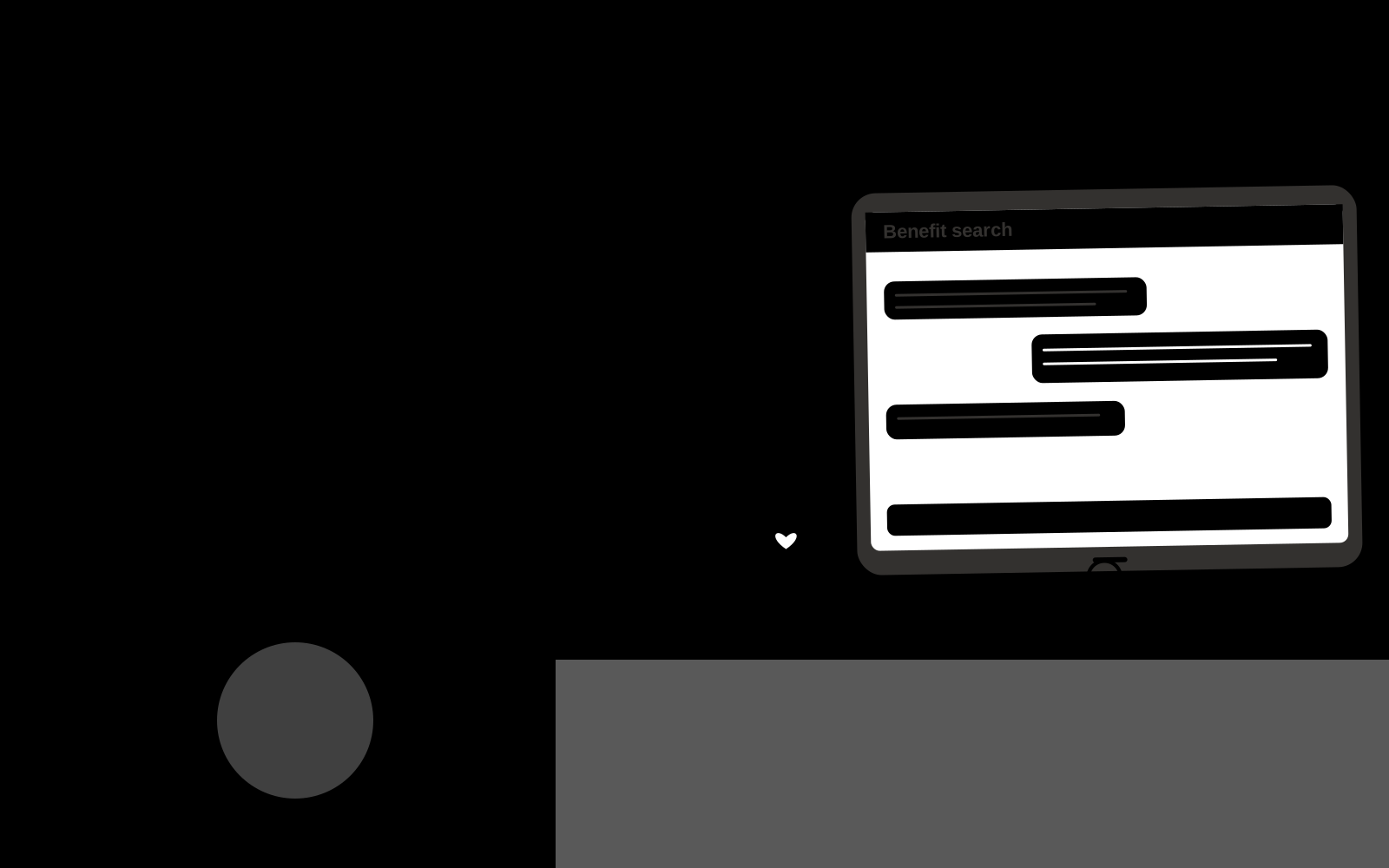
Key screens: Benefit search, source comparison, specialist handoff. Give end users a simple search or conversation surface with short answers and expandable citations. Administrators get source status, unanswered questions and handoff queues. Show the source date beside relevant answers. Keep conversation context available to the staff member receiving an escalation. In this product, the first view is benefit search, followed by source comparison and specialist handoff.
Accounts and administration
Source ownership, document permissions, freshness checks, conversation history, human handoff, feedback, test questions, usage limits and access logs.
Integrations and data access
Approved HR documents, employee directories and learning records. Approved knowledge repositories, websites, service desks and staff messaging systems. Validate access inheritance and use read-only ingestion for the initial deployment. These are candidate integration categories, not verified supported connectors.
How we build it
We build with our own AI software development factory, so most implementations take days to a few weeks of creation time, not months. You see working software at every step, and exact timing depends on availability.
- 1
Scoping call
Day 1Thirty minutes on your process, your data and how you want to run it: for your own team, or for your clients. You get a fixed scope and price for the MVP.
- 2
MVP
2 daysOne buyer segment, one recurring use case; first modules: explain defined terms; retrieve enrollment steps. Manual review in the loop. Built by our AI software factory.
- 3
Paid pilot
3 daysAccounts, roles, review states, audit trail and the first integration, hardened for two to three paying pilot customers.
- 4
Full product
5 daysRemaining modules: compare supplied features; route personal advice questions; flag missing guidance. Self-serve onboarding, billing, monitoring and the wider integration set.
- 5
Run and improve
MonthlyWe host, monitor and improve it for a fixed monthly fee, or hand it over to your team. How the retainer works.
Why we start with an MVP
An MVP, or minimum viable product, is the smallest version that your users can actually work with. It is not a cheap version of the full solution. It is a test, built to answer the questions that decide whether the rest is worth building.
- Pick the riskiest assumption. Here: will benefits managers at multi-location employers use it to solve "employees struggle to interpret supplied plan information"?
- Build only what tests it. One team, one use case, a few core modules. People do the rest by hand for now.
- Run a paid pilot. Restrict the assistant to one collection and test answered, ambiguous and unanswerable questions.
- Measure, then decide. Track correct guidance and unresolved questions. Then expand, change course or stop, with evidence instead of opinions.
MVP scope for this solution. Begin with benefits managers at multi-location employers and one recurring use case. Build the first two modules: explain defined terms; retrieve enrollment steps. Provide operator assistance for the third module: display plan dates. Deliver cited benefit information and specialist referrals through a manual review queue. Perform other necessary full-scope functions manually during the pilot. Include all applicable access, accuracy and professional-review controls from the start.
After the MVP. After paid pilots establish value, automate the remaining modules: compare supplied features; route personal advice questions; flag missing guidance. Add one validated source integration, reusable customer configuration and recurring delivery. Expand to additional teams, document formats or languages only after testing the new scope.
What the build depends on. Permission-filtered retrieval, document versioning, a question evaluation set, staff handoff and a source update process. Reliability depends on source quality and scope.
Investment
A planning range to start the conversation, not a quote. You pay per phase, so you can stop after the MVP.
- Phase 1
MVP
One buyer segment, one recurring use case; first modules: explain defined terms; retrieve enrollment steps. Manual review in the loop.
- Phase 2
Paid pilot
Accounts, roles, review states, audit trail and the first integration, hardened for two to three paying pilot customers.
- Phase 3
Full product
Remaining modules: compare supplied features; route personal advice questions; flag missing guidance. Self-serve onboarding, billing, monitoring and the wider integration set.
Indicative total, MVP to full product$15,50010 days of creation time · start with the MVP from $5,000
Running costs per month
A rough indication of monthly hosting and AI model costs once it is live, not tested. Real costs depend on usage, file sizes and the models chosen.
| Stage | Hosting and infrastructure | AI usage | Total per month |
|---|---|---|---|
| MVP and paid pilotabout 3 customers | $30–$60 | $60–$120 | $90–$180 |
| Full productabout 50 customers | $110–$210 | $530–$1,050 | $640–$1,260 |
Run it or resell it
For your own team
Benefits managers at multi-location employers run it inside the business: employer-approved benefits documents and plan dates in, cited benefit information and specialist referrals out, reviewed by your people.
As part of your offer
Agencies, consultancies and software companies can offer it to their own clients under their brand. We build and maintain it; you sell and deliver it.
Your brand, or this one
Run it under your own brand, or start from this concept style.
- primary
#279166 - accent
#c95468 - surface
#e4f1ec - ink
#22201e
- Headings
- Archivo
- Text
- Lora
- Voice
- Fair, human, straightforward
Selling it to your own clients: the go-to-market playbook
Pricing to test
Test USD 500-2,000 setup plus USD 150-600 monthly for one defined source collection and usage allowance. Price multi-location deployments and specialist support separately. Validate willingness to pay; these are hypotheses.
Message to test
Benefits information navigator for benefits managers at multi-location employers. Source-grounded benefit explanations with specialist routing for individual circumstances. Demonstrate the claim through a benefits enrollment question walkthrough.
Where to find buyers
Benefits brokers and HR consultants
Lead magnet
A benefits enrollment question walkthrough
The first 30 days
- Week 1: interview five prospective buyers in this segment: benefits managers at multi-location employers. Ask to see a recent example of the problem and their current process.
- Week 2: prepare this demonstration using authorized or synthetic material: a benefits enrollment question walkthrough.
- Week 3: present it through benefits brokers and HR consultants and seek one narrowly scoped paid pilot.
- Week 4: review correct guidance, unresolved questions, total delivery effort and a concrete renewal decision before increasing scope.
Paid pilot
Restrict the assistant to one collection and test answered, ambiguous and unanswerable questions. Run supervised use before wider rollout. Measure correctness, escalation quality and staff effort. For this solution, use employer-approved benefits documents and plan dates and evaluate cited benefit information and specialist referrals. Agree success thresholds with the buyer before starting; collect a baseline for correct guidance, unresolved questions. A positive signal is payment and repeat use with acceptable quality and delivery cost, not a favorable demo reaction alone.
Success metrics
Correct guidance, unresolved questions
Retention and expansion
Review unanswered questions and source freshness monthly. Expand to another source collection or team only after the existing assistant meets its agreed accuracy and handoff criteria.
Why clients would pick it
A maintained domain knowledge collection, realistic evaluation questions, useful escalation paths and integrations in the customer’s daily work. For this solution, build around source-grounded benefit explanations with specialist routing for individual circumstances. This advantage requires execution and accumulated customer trust; the base model alone is not a defensible asset.
Alternatives and positioning
Manual search, static FAQs, general chat tools and support or intranet suites. Differentiate on this specific proposed advantage: source-grounded benefit explanations with specialist routing for individual circumstances. Test it against the buyer's current method on the same task. Competitor coverage and uniqueness have not been established.
Main delivery costs
Document ingestion, retrieval and generation, source maintenance, support, evaluation and staff time handling unresolved cases.
Safeguards
Keep employee data access explicit and confidential. Use human judgment for personnel decisions and do not infer protected traits or hidden personal characteristics. Validate source access and reviewer availability during the pilot. Maintain customer-level access, data deletion controls and a record of final approvals.